
How to scan Pokémon cards with your phone
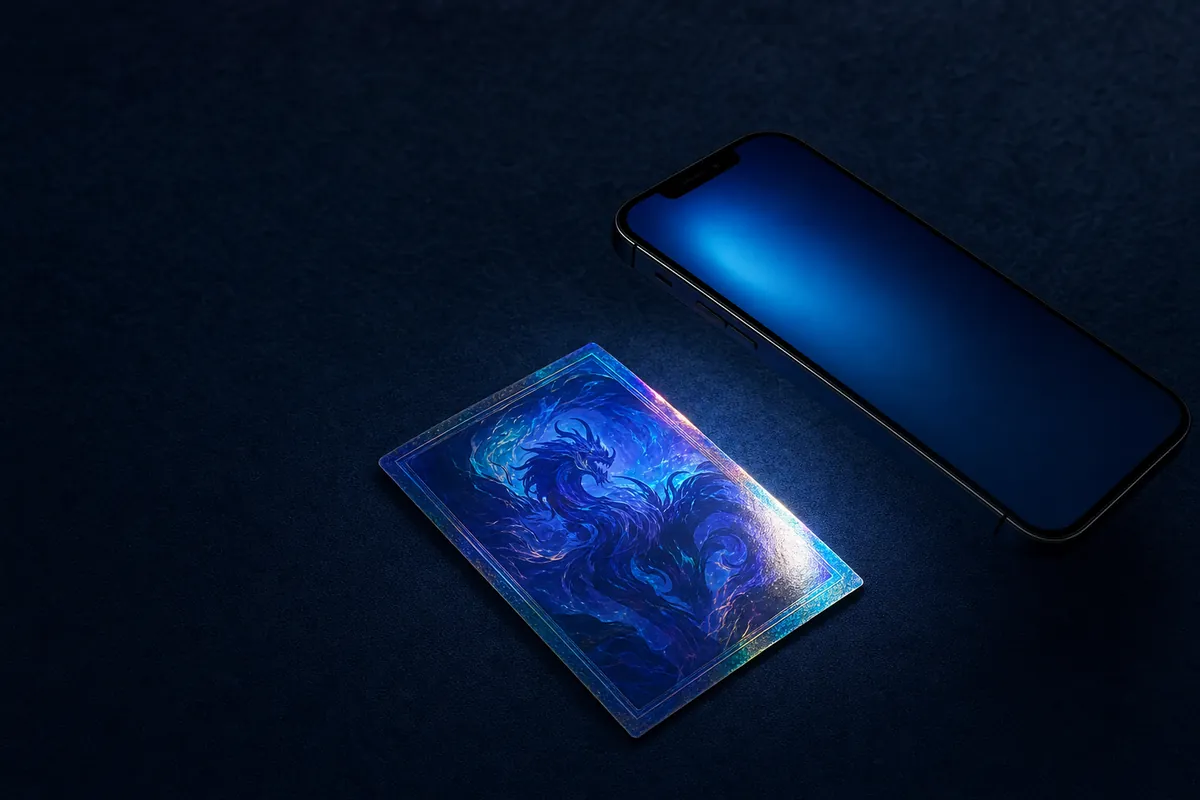
Hold the card flat under even light, fill the on-screen frame with it, and keep the phone steady for a second while the app reads the artwork. Good lighting matters more than a good camera. The most common failure is glare, which is why holographic cards are the hardest to scan.
- Lay the card on a flat, dark surface. A matte surface with no pattern gives the camera a clean edge to detect.
- Light it from the side. Side lighting avoids the reflection that overhead light bounces straight back into the lens.
- Fill the frame. Move close enough that the card fills the guide rectangle, keeping the phone parallel to the card.
- Hold steady until it identifies. Give it a second. If the card is holo, tilt it slightly to move the glare off the artwork.
Why holographic cards are difficult
Scanning works by comparing the artwork against a reference library. Foil cards throw a bright band of reflected light across the art, and under that band the image no longer matches anything. This is why so many scanners handle a plain card fine and then fail on the shiny one you actually care about.
Tilting the card usually solves it. The glare moves as the angle changes, and the moment the artwork is readable the match succeeds.
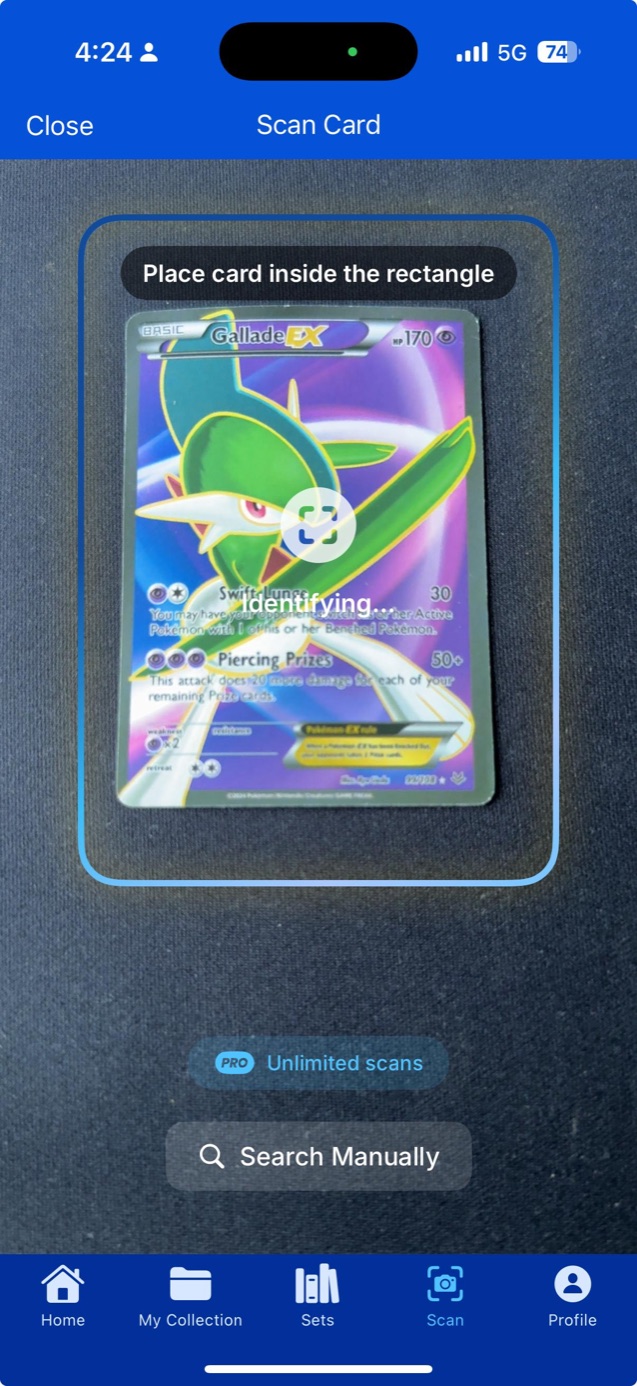
When the artwork cannot be read
The collector number printed at the bottom of the card is a reliable fallback. It sits on a matte strip that does not reflect, so it stays legible when the artwork does not. Reading the number and the set total narrows the card down to a handful of candidates.
That fallback is what makes scanning graded slabs and sleeved cards workable, since both add a reflective layer over the art.
Questions
Can I scan cards still in sleeves?
Usually yes, though the sleeve adds reflection. Angle the card away from your light source, and matte sleeves scan better than glossy ones.
Does scanning work without internet?
Identification does, because the card library is stored on the device. Prices need a connection since they come from live market data.